The investment does not come back through the software. It comes back through the quality of your work.
If you commit and keep improving, Exocad becomes a skill that pays off month after month. Not because you own the software - because you know how a design should actually look.
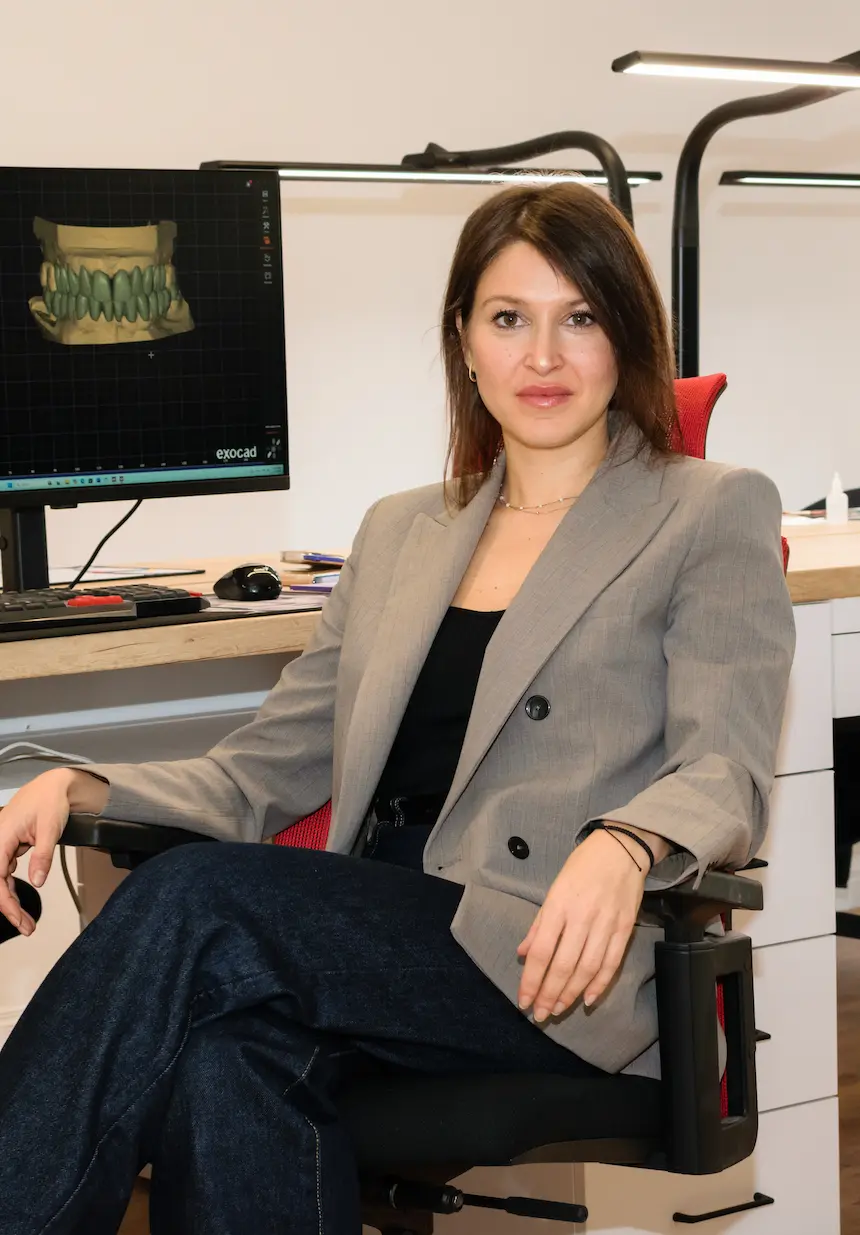
Aleksandra Simonovska · Your mentor throughout Mastering Exocad · 5 min read
Exocad only pays back if you never settle for "default"
Condition first, return after. If you genuinely commit and invest in learning Exocad, while continuously improving, you can become truly good at this work. But only if you actually want this and do it with care. It is not enough to learn to design "by default" - you need to keep learning, analysing and thinking about how each next design can be better than the last.
Design "by default" · Just another designer. You open the case, follow the steps in order and hand it in. It works - but it looks like everyone else's work, and gives no reason for anyone to come back to you.
Design with a decision behind it · Someone who stands out. You analyse the case, know why the design looks the way it does, and what you will improve next time. That is what makes you recognised, sought after and well paid for your work.
How quality starts bringing you work on its own
From one client, onward. You might start with one client. But if you keep improving and do the work well, that one client leads to a referral, and the referral leads to the next one. It does not happen overnight, and I am not promising it will happen fast. But this is the path it follows.
- One case. You get your first case and work it as if it were the most important one. This is where everything starts.
- Quality that gets noticed. The client does not just see the finished work. They see fewer corrections, fewer complaints and less wasted time.
- A referral. You do not have to chase the next job. The work starts coming to find you.
- Constant progress. With every new type of case you grow - and you charge for your work with confidence, instead of wondering whether you are allowed to.
I will not give you a number, because any number I told you would be made up. It depends on how much you work, how much you practise and what market surrounds you. What I can tell you is that the skill stays with you, and you apply it to every case that follows.
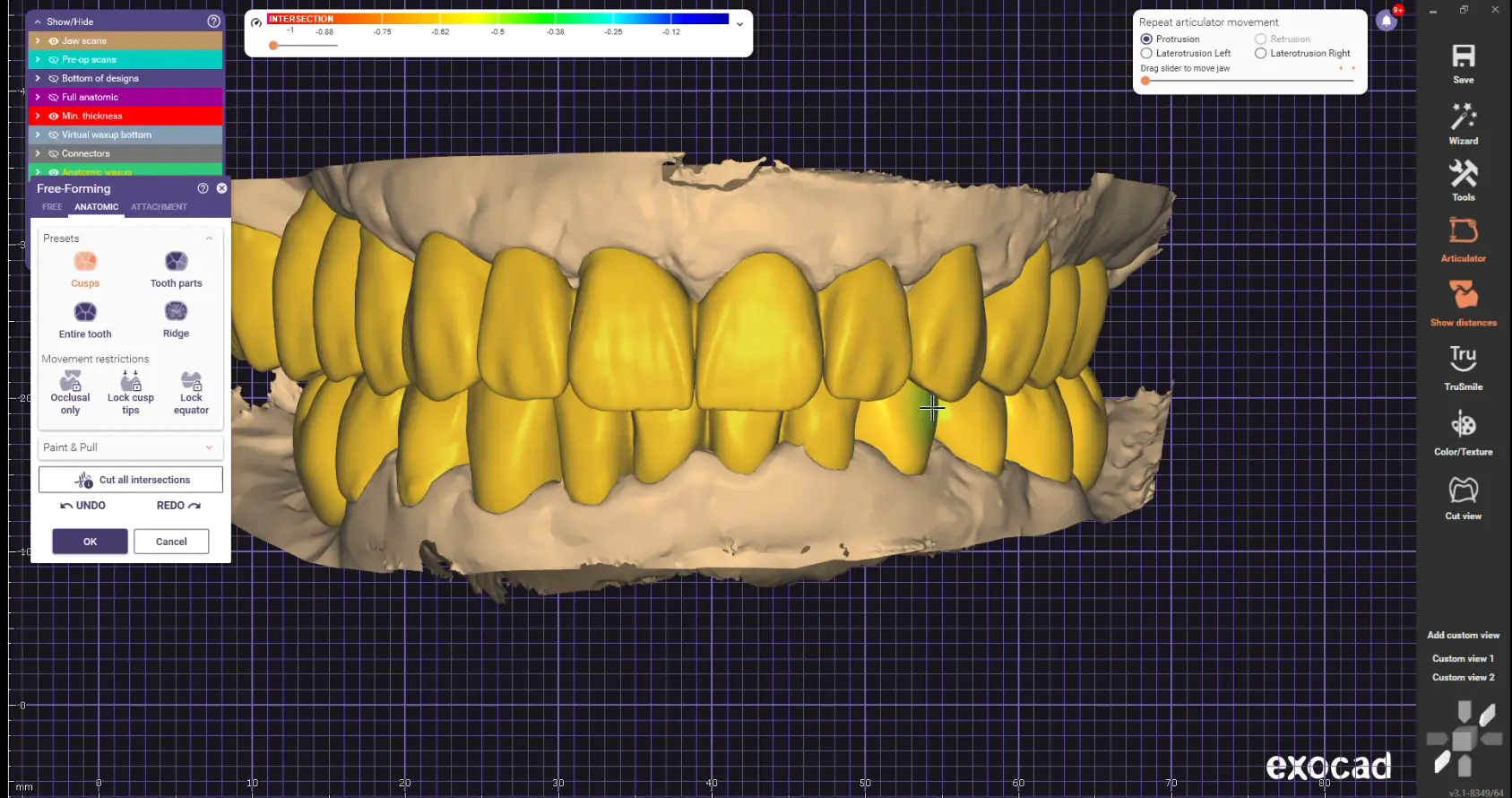
That is why the program does not just teach how Exocad works
We also learn how a design should actually look: which shape is right, why it is right, and what to check before you hand in the case. That is the difference between knowing which buttons to click and knowing how to stand behind your work - and charge for it with confidence.
There is no secret. There is a system.
The easy answer is one sentence. The truth is that there is no single big secret - there are many small decisions repeated over years. At some point I realised that if I stopped growing, my work would stop growing too. The same applies to you with Exocad: confidence does not come from watching one lesson, it comes from learning, practising, reviewing and repeating in a clear order.
- You learn the reasoning. You understand why a step happens, not just where the tool sits.
- You work a real case. You apply what you learned while the case is still in front of you.
- You see the mistake. Nothing gets skipped past. You learn where it came from and why.
- You get corrected. Your mentor guides you as you work, before the mistake becomes a habit.
- You repeat it alone. Every repetition makes your design decisions more certain.
The same order I learned to work in myself
I will not throw you into the hardest case first. We build the foundation together, then widen it to more demanding restorations, and only then you work on advanced rehabilitations - exactly the way the skill develops in a real lab.
Module 1 · Mastering Exocad Fundamentals. From opening Exocad for the first time to an independent scan-to-STL workflow: crowns, bridges, inlays and onlays.
Module 2 · Mastering Exocad Intermediate. Implant restorations, custom abutments, veneers, wax-up and temporaries, with far more control.
Module 3 · Mastering Exocad Advanced. All-on-X and full rehabilitations, focused on function, aesthetics and a predictable digital process.
In the program: Exocad demo version · 15+ real cases · Course guide and libraries on the platform · Session recordings and working files · Certificate and mentor support.
If you recognise yourself in this, let us talk
Book a short call with me. I will tell you honestly whether the program fits your current experience, what the work looks like and what the payment options are - with no pressure to decide on the spot.
3 months of practical work · online · starts 24 September · Exocad demo version