You are not starting from zero. You are starting with the knowledge you already have.
Anatomy, contacts, occlusion and functional design stay the same. Exocad is the new tool you apply them through.
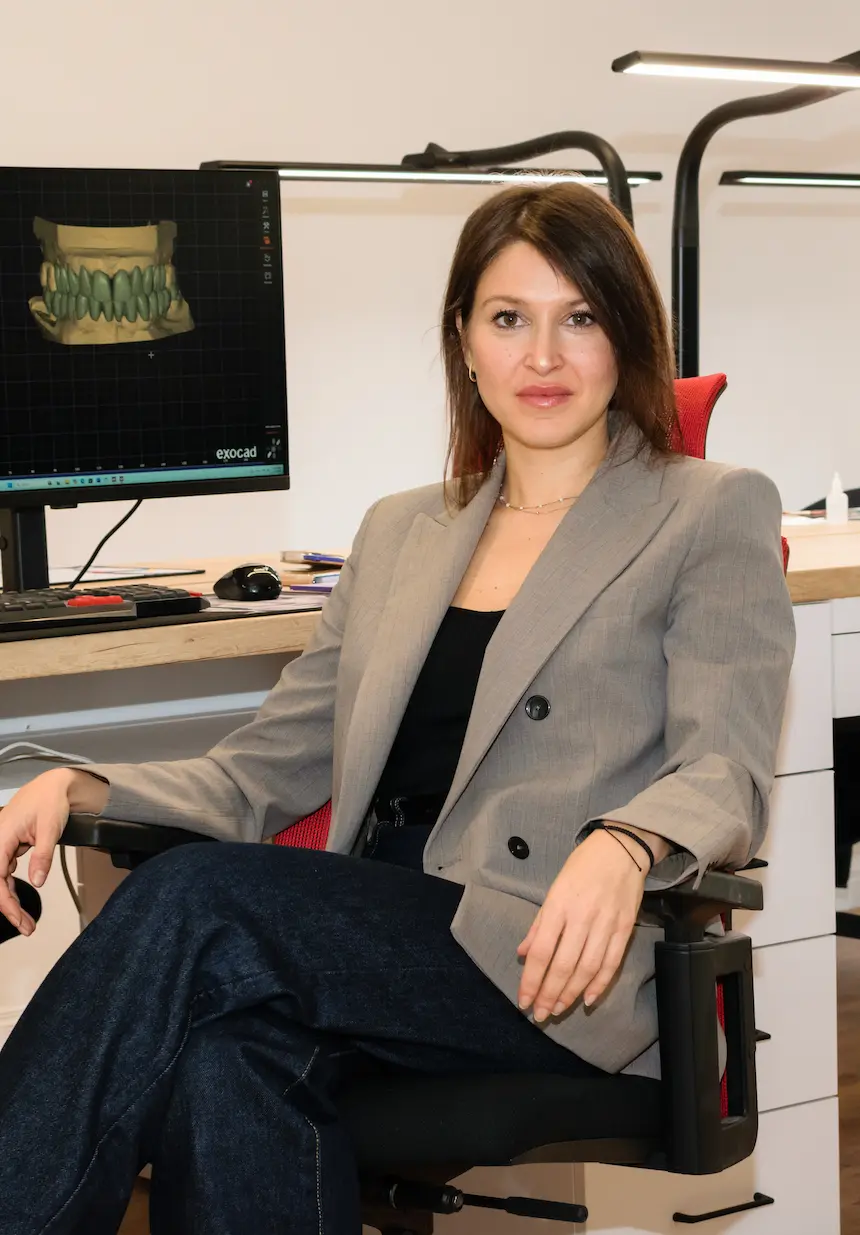
Aleksandra Simonovska · 18+ years in dental technology · 7 min read
The clinic bought a scanner. The case that used to arrive as an impression now arrives as a file. You work exactly as well as you did last year - but the file goes to someone who knows how to open it.
The craft did not change. The route to it did. And it is not a better technician catching up with you - it is a technician with the same skill and one more tool.
Going digital does not mean starting from zero
That is the misconception I hear most often. If you already understand anatomy, occlusion and functional design, you already have the foundation. Exocad does not teach you what good form is - that is your own knowledge. It only gives you a new way to apply it.
You learn fastest when you connect every function to the decision you already make every day:
- Anatomy becomes selecting, positioning and shaping natural form.
- Contacts you check and correct with digital measurement tools.
- Occlusion you control through maps and a virtual articulator.
- Layering you carry into cutback and digital wax-up - the same logic about where you leave room for ceramic, and why.
- Complaints you see on screen before the case goes to milling.
A beginner learns Exocad and teeth. You only learn Exocad. That is why you get there faster - not slower.
For sixteen years I worked with my hands
Plaster, wax, ceramic. When I moved to Exocad, there was nobody to show me the order. I learned through trial, error and a lot of complaints - each one cost me time and money, and each one taught me something someone could have told me in five minutes.
Five years later I design for clinics in Skopje, Zagreb, Prague and Belgrade. The same hands. The same head. A different tool. I was not faster than you - I just had nobody to show me the mistake while it was still a mistake.
It is not too late. It is simply later than you wanted - and that is an entirely different thing.
The crown is only the beginning
When I started, I learned crowns first too. But once I understood the logic of the design, I carried that same knowledge into more complex cases. The problem was never whether Exocad could do it - it was whether I knew how to guide the process. After that come bridges, veneers, implants, custom abutments, wax-up, temporaries and All-on-X.
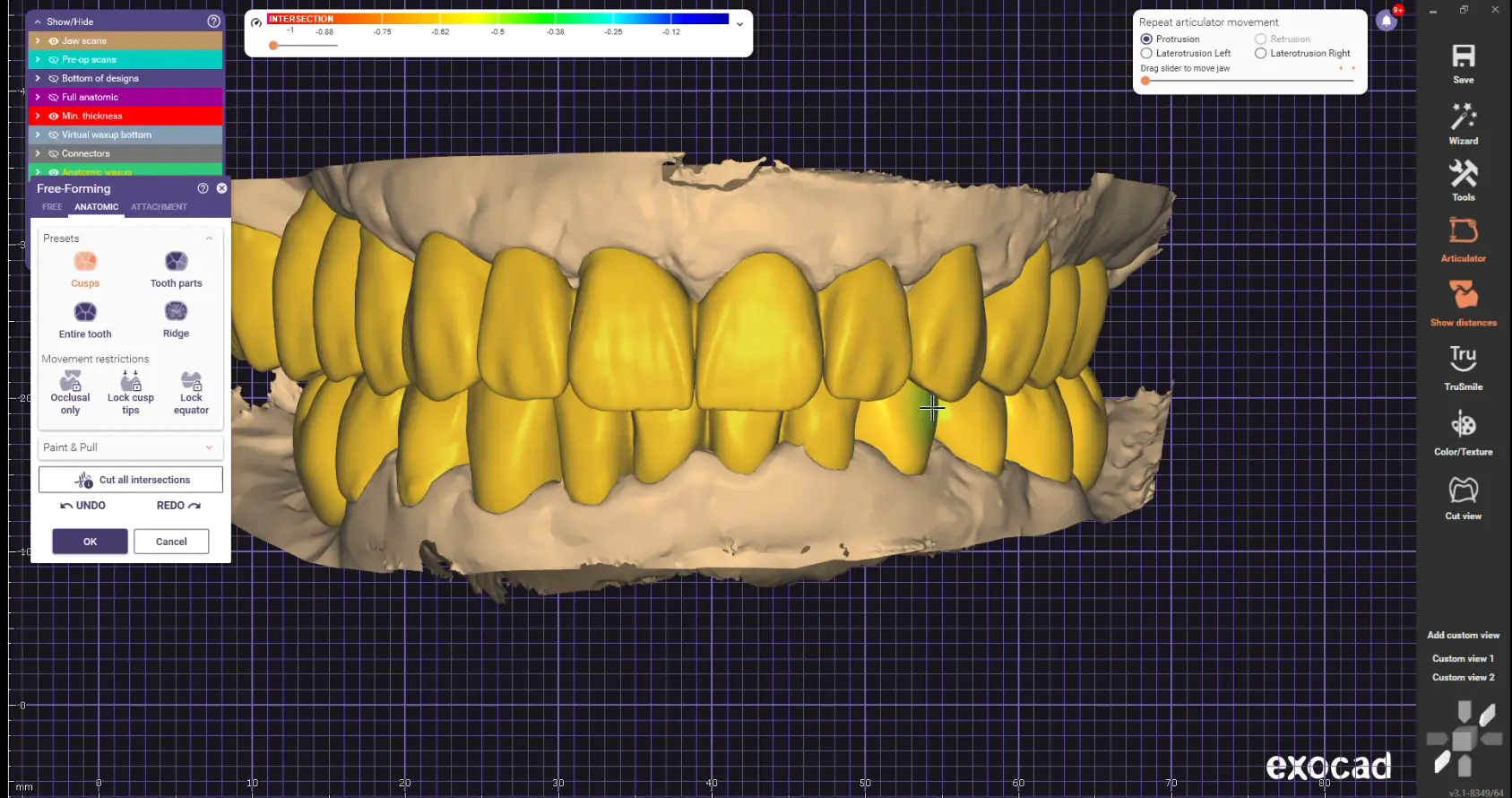
I do not want to teach you where to click. I want you to know why you take each step - which tool solves a specific problem, how to check the result and what to correct before you continue. That is exactly what makes the difference between clicking and confident digital design.
There is no secret. There is a system.
The easy answer is one sentence. The truth is that there is no single big secret - there are many small decisions repeated over years. At some point I realised that if I stopped growing, my work would stop growing too. The same applies to you with Exocad: confidence does not come from watching one lesson, it comes from learning, practising, reviewing and repeating in a clear order.
- You learn the reasoning. You understand why a step happens, not just where the tool sits.
- You work a real case. You apply what you learned while the case is still in front of you.
- You see the mistake. Nothing gets skipped past. You learn where it came from and why.
- You get corrected. Your mentor guides you as you work, before the mistake becomes a habit.
- You repeat it alone. Every repetition makes your design decisions more certain.
The same order I learned to work in myself
I will not throw you into the hardest case first. We build the foundation together, then widen it to more demanding restorations, and only then you work on advanced rehabilitations - exactly the way the skill develops in a real lab.
Module 1 · Mastering Exocad Fundamentals. From opening Exocad for the first time to an independent scan-to-STL workflow: crowns, bridges, inlays and onlays.
Module 2 · Mastering Exocad Intermediate. Implant restorations, custom abutments, veneers, wax-up and temporaries, with far more control.
Module 3 · Mastering Exocad Advanced. All-on-X and full rehabilitations, focused on function, aesthetics and a predictable digital process.
In the program: Exocad demo version · 15+ real cases · Course guide and libraries on the platform · Session recordings and working files · Certificate and mentor support.
If you recognise yourself in this, let us talk
Book a short call with me. I will tell you honestly whether the program fits your current experience, what the work looks like and what the payment options are - with no pressure to decide on the spot.
3 months of practical work · online · starts 24 September · Exocad demo version